
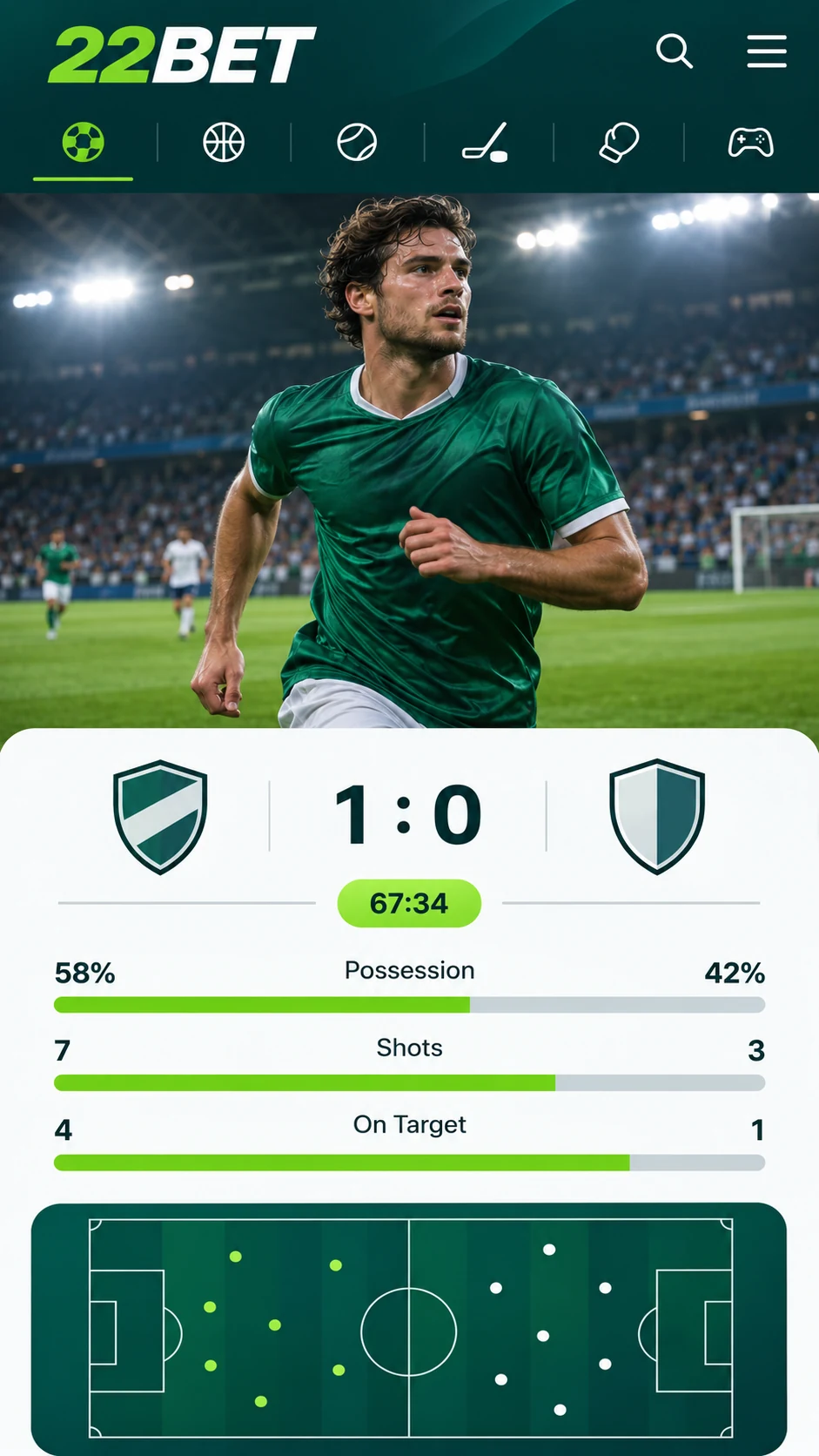
Only a small number of bookmakers have built a dedicated mobile app, and 22Bet is among them. Available for both Android and iOS, it fits virtually any smartphone, which means you can check odds and place bets during your MTR commute, over lunch or from the comfort of your sofa.
22Bet for iPhone and iPad
Opening 22Bet in your phone's browser works just as well as using it on a desktop. For those who want something quicker and more convenient, however, the bookmaker also offers a standalone app for iPhone and iPad.
If your smartphone is your go-to device, or a computer is not always close at hand, the app makes a lot of sense. Its menus are logically arranged, and confirming a bet takes no more than a few taps.
22Bet for Android
The Android and iOS editions mirror each other almost exactly. Navigation, menus and bet controls behave the same on both, so moving between devices is seamless. Should the app feel quicker on one handset than another, that is a matter of hardware rather than any difference in the app.
Android users will not find 22Bet on Google Play. The app is supplied as an APK file through the official 22Bet website and has to be installed manually. The process is outlined below.
Installing the 22Bet App: A Simple Guide
To begin, visit the 22Bet website and scroll to the very end of the homepage. Under "Useful Links" there is an option called "Mobile Version". Select it, then scroll down the following page to reach the download links for both platforms.
Setting Up on Android
- Select the Android download link to save the APK file to your phone.
- After the download, your device will usually ask whether installation from this source should be allowed. Approve the request.
- If you do not see this request, go to your phone's settings and enable installation of apps from unknown sources.
- Open the APK file and complete the setup.
Setting Up on iOS
The iPhone setup is no more difficult, though it involves one preliminary step. 22Bet only becomes visible in the App Store after you update the country or region assigned to your Apple ID. A detailed walkthrough is available on the 22Bet website; in brief, the steps are:
- Launch Settings and tap your name to open your Apple ID details.
- Choose "Media & Purchases", followed by "View Account".
- Select "Country/Region" and change it to the region specified in the 22Bet guide.
- Look up 22Bet in the App Store and download it in the usual way.
The Browser-Based Option
Not keen on installing another app? The mobile version of the 22Bet website offers full access through your browser instead. Enter 22Bet.com in the address bar or find the site via Google, and the layout will automatically adapt to your screen size.
Although the mobile site looks quite unlike the app, it is every bit as practical. It is effectively the desktop platform reshaped for compact displays. Existing customers will feel right at home, and first-time users will learn their way around in next to no time.
Compatible Devices
The 22Bet app is compatible with every iPhone and every Android device. The mobile website requires iOS 8 or newer, or Android 7 or newer.
BlackBerry and Windows Phone are not currently supported by a downloadable app. Users of these devices can, however, still access 22Bet via the mobile browser.
Mobile Casino Gaming
22Bet's casino performs flawlessly on mobile, whether you use the app or the browser version. The complete game library is available on all compatible devices. Within the app, simply tap into the casino section; on the mobile site, open the drop-down menu to find it.
Why Choose the 22Bet App
The freedom to bet and play at any time and in any place is the clearest advantage, yet the app offers several more:
- Intuitive navigation paired with a sleek, uncluttered design.
- Effortless bet placement, including in-play markets.
- An interface tailored specifically to mobile devices.
- A secure, straightforward download from the official 22Bet website.
Last updated:
18+ | T&Cs apply | Play responsibly
Go to 22Bet