
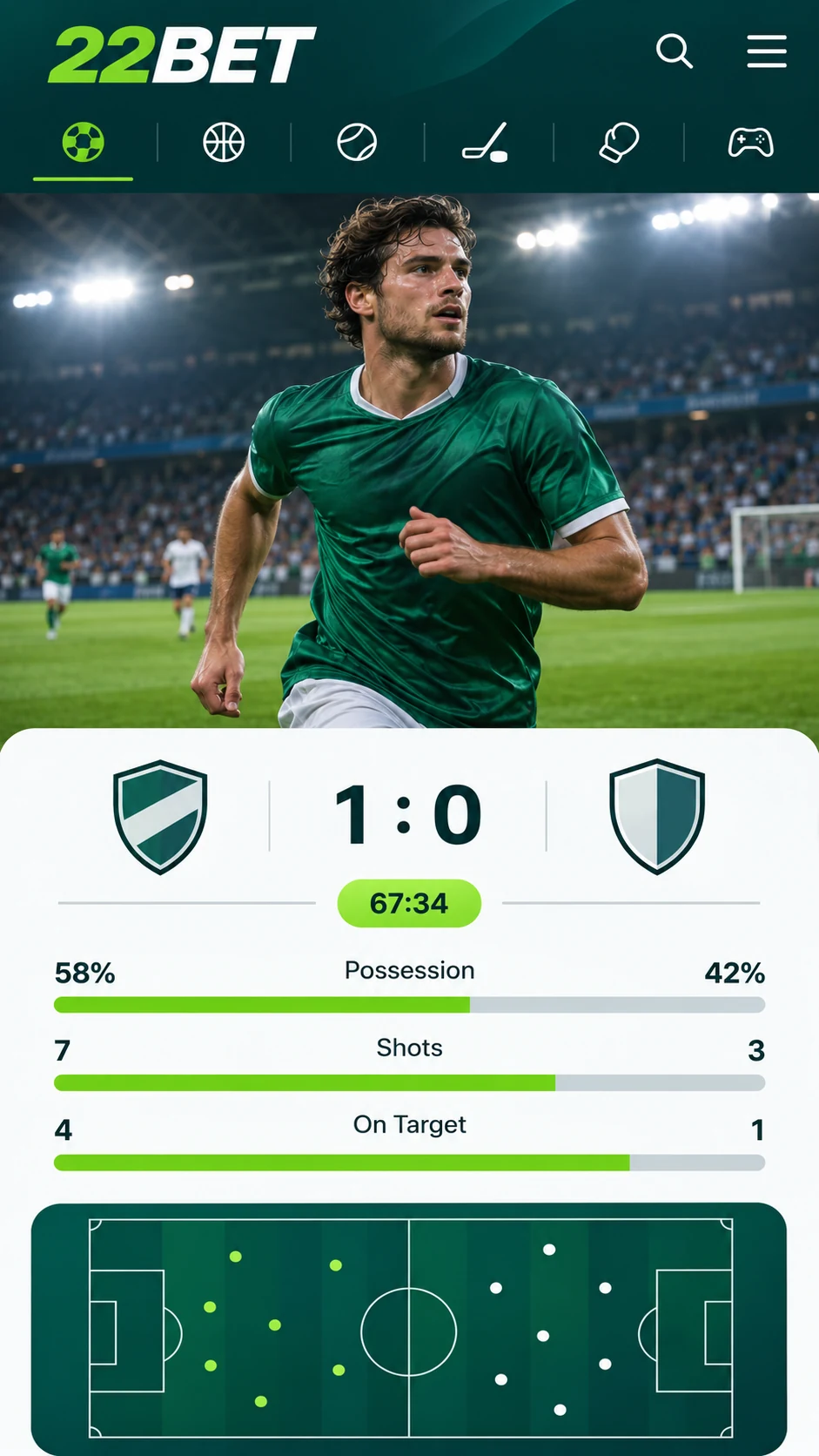
A betting company with its very own app is not something you come across every day, yet 22Bet offers exactly that. The app is made for Android and iOS, which together power nearly all smartphones, so you can keep up with the scores and place bets from your phone, whether you are in a matatu, at the office or at home.
22Bet for iPhone and iPad Users
22Bet opens without any trouble in a phone browser, just like on a computer. Still, if you want a faster and more comfortable way in, the bookmaker has a standalone app that you can put straight onto your iPhone or iPad.
It is a smart pick if you place most of your bets on your phone or do not always have a laptop around. The menus are easy to understand and well arranged, and a bet can be sorted out in just a few taps.
22Bet for Android Users
Whether you use Android or iOS, the app feels the same. Menus, layout and betting tools are identical on both, so moving to a new phone will not slow you down. If the app is quicker on one phone than on another, the reason is the phone's hardware and not the app itself.
Do not bother looking for the Android app on Google Play, because it is not there. 22Bet supplies it as an APK file on its official website, and you install it by hand. The steps are explained below.
Step-by-Step: Getting 22Bet on Your Phone
Open the 22Bet website and scroll all the way down the homepage. Near the bottom there is a "Useful Links" section with a link called "Mobile Version". Tap it, scroll down on the page that loads, and you will find the download links for Android and iOS.
For Android Phones
- Tap the Android link and download the APK file.
- When the download is done, your phone will normally ask whether you want to allow installs from this source. Accept.
- If your phone does not ask, go to settings and allow the installation of apps from unknown sources yourself.
- Open the APK file and finish the installation.
For iPhones
Putting 22Bet on an iPhone is just as easy, but you need to change one setting first. The app will only show up in the App Store after you update the country or region on your Apple ID. 22Bet explains this in detail on its website, and the quick version is:
- Go to Settings and tap your name to open your Apple ID.
- Select "Media & Purchases" and then "View Account".
- Tap "Country/Region" and switch it to the region stated in the 22Bet guide.
- Look for 22Bet in the App Store and install it the normal way.
The Mobile Site: Betting Without an App
Short on storage or simply not keen on downloads? The mobile version of the 22Bet website gives you full access through your browser. Type in 22Bet.com or find it on Google, and the page will adjust itself to your phone's screen.
The design of the mobile site is clearly different from the app, but it is just as simple to use. It is the desktop website adapted for small screens. If you already bet with 22Bet, you will know your way around immediately, and if you are new, you will catch on in no time.
Phones That Work with 22Bet
The 22Bet app runs on any iPhone and any Android device. The mobile site needs iOS 8 or later, or Android 7 or later.
For now there is no app for BlackBerry or Windows Phone, but people using these phones can still open 22Bet in the mobile browser.
Casino Games Wherever You Are
The 22Bet casino works smoothly in the app as well as on the mobile site. All the games are available on every supported device. In the app, just go to the casino section. On the mobile site, open the drop-down menu to find it.
What You Get with the 22Bet App
Being able to bet and play casino games at any time and from any place is the main attraction, and there are a few more reasons to like the app:
- Simple navigation and a neat, good-looking design.
- Fast bet placement, with live betting available.
- An interface built specially for smartphone screens.
- A safe and easy download from the official 22Bet website.
Last updated:
18+ | T&Cs apply | Play responsibly
Go to 22Bet