
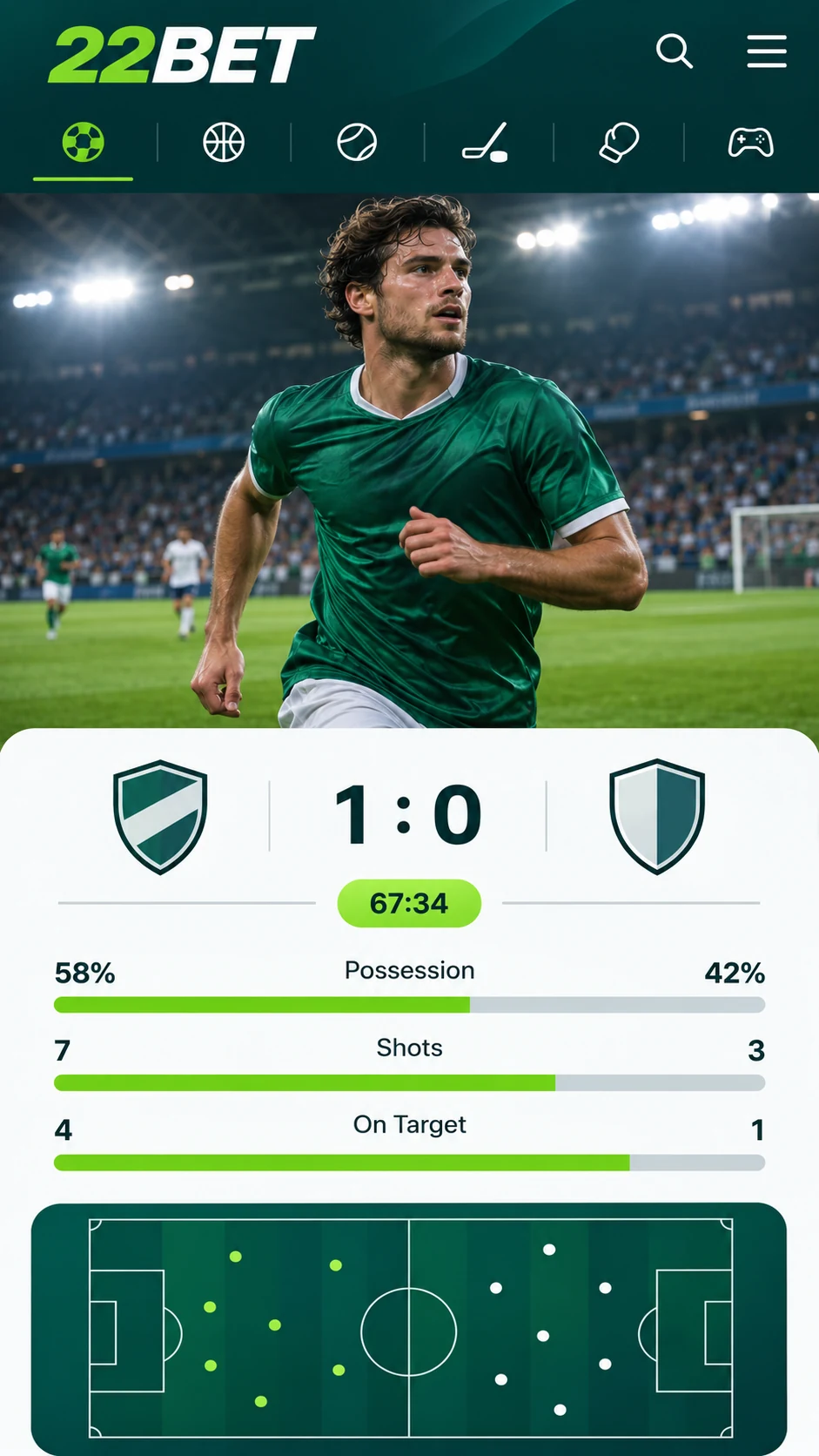
Having a purpose-built app sets a bookmaker apart, and 22Bet is one of the few that offers one. Available for Android and iOS, it runs on just about every smartphone out there. Whether you are on the bus to work, on the ferry or kicking back at home before the All Blacks run out, you can check the markets and get your bets on without touching a laptop.
22Bet for iPhone and iPad
Your phone's browser will happily load 22Bet, just like a desktop computer would. If you want something slicker, though, the bookmaker also has a dedicated app you can install directly on your iPhone or iPad.
It is a great fit if you do most of your betting on your phone or are not always near a computer. The menus are neat and sensible, and locking in a bet takes only a few taps.
22Bet for Android
Android and iOS users get practically the same experience. Both versions use matching menus and betting controls, so swapping phones is no hassle at all. If the app runs quicker on one device than another, that comes down to the phone's hardware rather than the app.
The Android app is not available through Google Play. 22Bet offers it as an APK file on its official website, which you then install manually. We explain the process below.
How to Download and Install 22Bet
Head to the 22Bet website and scroll all the way down the homepage. Look for the "Useful Links" section and tap "Mobile Version". Scroll down again on the page that opens, and you will see the Android and iOS download links.
On Android
- Tap the Android link to download the APK file.
- When it has finished, your phone should ask whether you want to allow installation from this source. Go ahead and allow it.
- No prompt? Open your phone's settings and turn on installation of apps from unknown sources.
- Open the APK file and let the installation finish.
On iOS
The iPhone setup is just as easy, but there is one thing to sort first. 22Bet only appears in the App Store once you have changed the country or region tied to your Apple ID. There is a detailed walkthrough on the 22Bet website, but here is the quick rundown:
- Open Settings and tap your name to get to your Apple ID.
- Go into "Media & Purchases" and select "View Account".
- Tap "Country/Region" and switch it to the region listed in the 22Bet guide.
- Search for 22Bet in the App Store and install it the usual way.
Skip the App: Use the Mobile Site
Not keen on another app on your phone? The mobile version of the 22Bet website gives you the same access through your browser. Just type in 22Bet.com or find it on Google, and the page will resize itself to fit your screen.
The mobile site looks fairly different from the app, but it is every bit as easy to use. Basically, it is the desktop site tweaked for smaller screens. If you already know 22Bet, you will be right at home, and if you are new, you will have it sussed in a few minutes.
Supported Devices
The 22Bet app can be installed on any iPhone and any Android device. To use the mobile site, you will need iOS 8 or newer, or Android 7 or newer.
There is no app for BlackBerry or Windows Phone at this stage, but you can still reach 22Bet on those devices through the mobile browser.
Mobile Casino Games
The 22Bet casino runs without a hitch in the app and on the mobile site. The whole game library is available on every supported device. In the app, just open the casino section; on the mobile site, you will find it in the drop-down menu.
Why Give the 22Bet App a Go
Betting and playing whenever and wherever you like is the biggest drawcard, but there is plenty more to like:
- Simple navigation and a clean, modern design.
- Fast bet placement, with live betting on offer.
- An interface made with phone screens in mind.
- A safe, easy download from the official 22Bet website.
Last updated:
18+ | T&Cs apply | Play responsibly
Go to 22Bet