
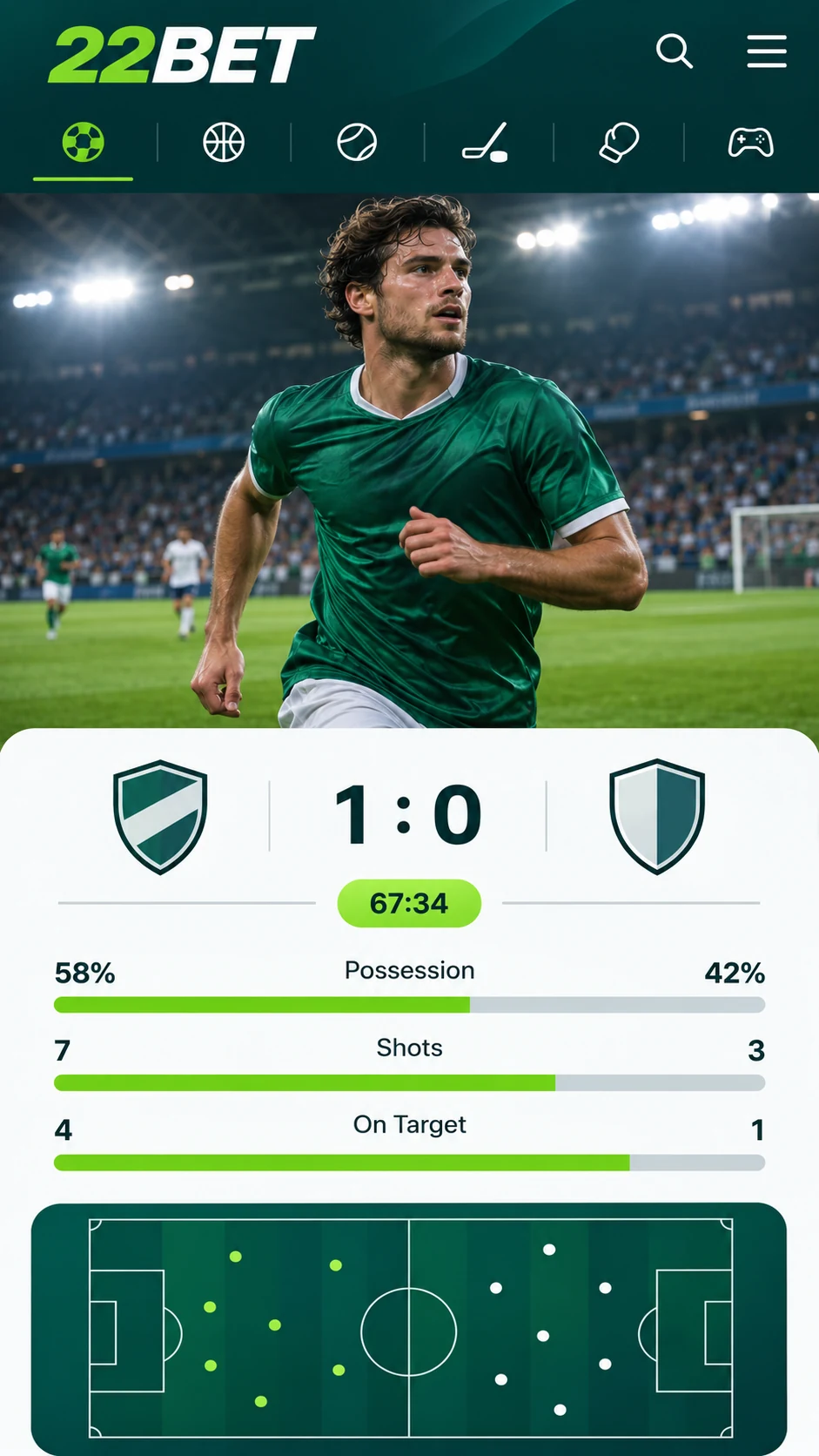
Most bookies are happy to leave mobile punters with a browser version, but 22Bet has gone to the trouble of building a proper app. It is available for Android and iOS, so practically any modern phone will do. Whether you are on the DART, waiting for a match to kick off down the pub or relaxing at home, your bets are never more than a few taps away.
Betting on iPhone and iPad
You can of course use 22Bet in your phone's browser, the same way you would on a laptop. But if you fancy something handier, the bookmaker also gives you a dedicated app to install on your iPhone or iPad.
That is a real bonus if your phone is where you do most of your betting, or if you are rarely near a computer. Everything is laid out sensibly, and getting a bet on takes just a couple of taps.
Betting on Android
There is very little to separate the Android app from its iOS counterpart. Both share the same menus and the same betting controls, so if you switch phones you will be up and running straight away. If the app seems snappier on one handset than another, blame the phone, not the app.
You will not find the Android version on Google Play. Instead, you download it as an APK file from the official 22Bet website and install it yourself. We walk you through it below.
How to Get the 22Bet App on Your Phone
Pop over to the 22Bet website and scroll to the bottom of the homepage. There you will spot a section called "Useful Links" containing a "Mobile Version" link. Tap that, scroll down once more on the next page, and you will find the downloads for Android and iOS.
Installing on Android
- Tap the Android link to grab the APK file.
- Once it has downloaded, your phone will normally ask if you want to allow installation from this source. Say yes.
- If that question never appears, dig into your phone's settings and turn on installation from unknown sources.
- Open the APK file and let the installation run to the end.
Installing on iOS
On an iPhone it is just as easy, although there is a small job to do beforehand. The app only turns up in the App Store after you have changed the country or region on your Apple ID. 22Bet has a thorough guide on its website, but here is the gist:
- Open Settings and tap your name to bring up your Apple ID.
- Head to "Media & Purchases" and pick "View Account".
- Tap "Country/Region" and set it to the region given in the 22Bet guide.
- Find 22Bet in the App Store and download it like any other app.
Prefer the Browser? Use the Mobile Site
Not bothered about installing an app? The mobile version of the 22Bet website gives you the same access straight through your browser. Type 22Bet.com into the address bar or search for it on Google, and the site will fit itself neatly to your screen.
It looks rather different from the app, but it is just as easy to get around. In short, it is the desktop site reworked for smaller screens. If you already know 22Bet, you will feel at home immediately, and if you are new, it will not take you long to find your way.
Which Phones Can You Use?
The 22Bet app will install on any iPhone and any Android device. To use the mobile site, you will need iOS 8 or above, or Android 7 or above.
There is no app for BlackBerry or Windows Phone as things stand. You can still reach 22Bet on those devices through the mobile browser, though.
Casino Games on the Move
If you like a spin or a hand of cards, the 22Bet casino works a treat on mobile, in the app and on the mobile site alike. The full range of games is available on every supported device. In the app, jump straight into the casino section; on the mobile site, you will find it in the drop-down menu.
Why the 22Bet App Is Worth a Look
Being able to bet and play whenever and wherever suits you is the headline benefit, but there is more to like:
- Easy navigation and a clean, attractive design.
- Bets placed in seconds, with live betting on board.
- A layout made with phone screens in mind.
- A safe and simple download from the official 22Bet website.
Last updated:
18+ | T&Cs apply | Play responsibly
Go to 22Bet