
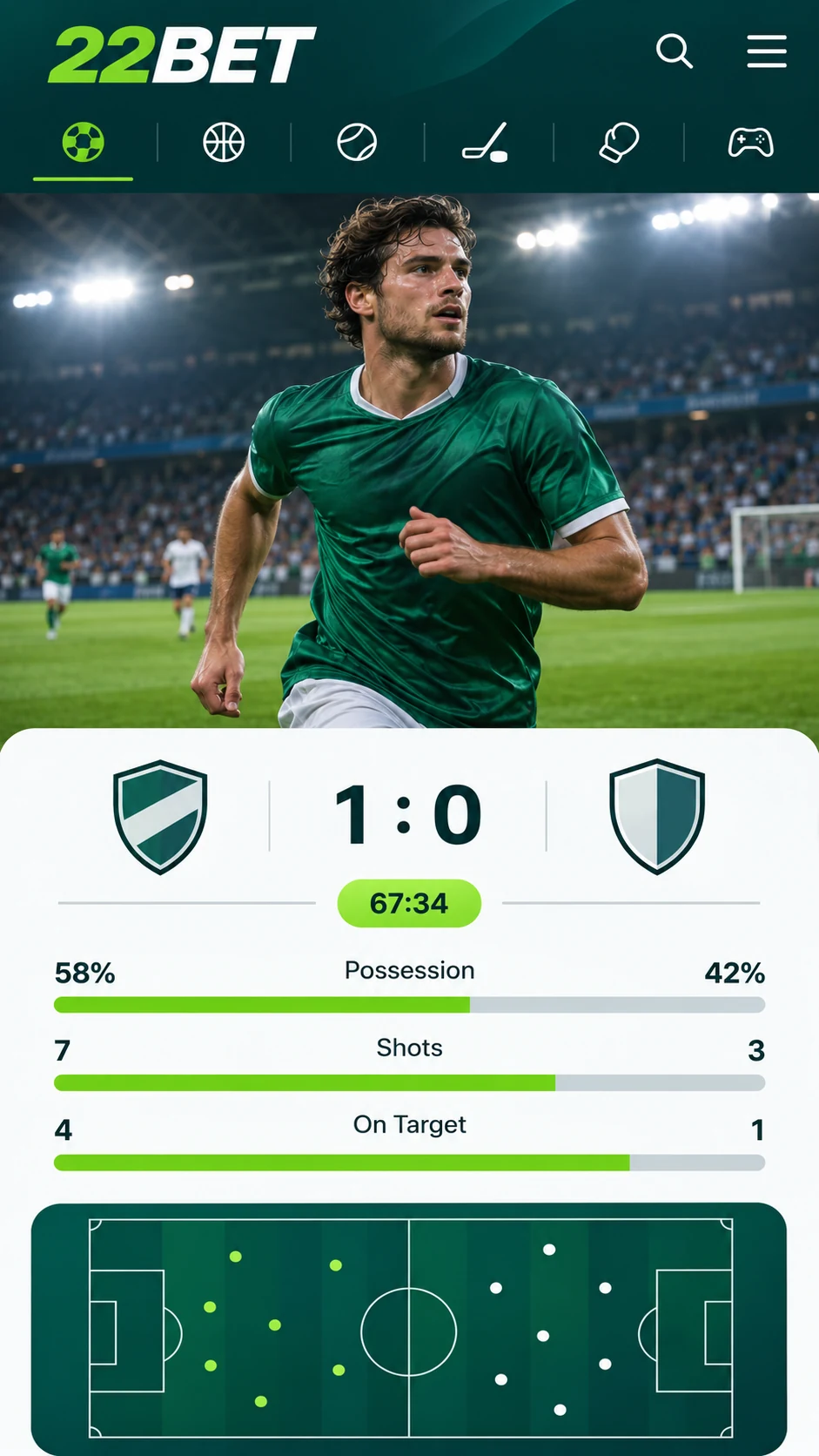
Only a handful of bookmakers offer a dedicated mobile app, and 22Bet is one of them. The app is available for Android and iOS, so it works on almost every smartphone. Whether you want to follow a cricket match ball by ball or catch the latest football action, you can place your bets from your phone at home, in the office or while travelling.
22Bet App for iPhone and iPad
You can always open 22Bet in your mobile browser, just as you would on a desktop. If you want quicker access, though, the bookmaker also offers a separate app that you can install directly on your iPhone or iPad.
The app is ideal if you bet mostly from your mobile or do not always have a computer with you. The menus are simple and well arranged, and placing a bet takes only a few taps.
22Bet App for Android
The Android and iOS versions are almost exactly alike. Both follow the same menu layout and use the same betting controls, so you can shift from one phone to another without any confusion. If the app runs faster on one device than another, that depends on the phone's hardware, not on the app.
The Android app is not listed on Google Play. It is provided as an APK file on the official 22Bet website, and you need to install it manually. Follow the steps below.
How to Download and Install the 22Bet App
Go to the 22Bet website and scroll down to the bottom of the homepage. In the "Useful Links" section, tap "Mobile Version". On the next page, scroll down again to find the download links for Android and iOS.
Steps for Android
- Tap the Android link to download the APK file.
- After the download completes, your phone will usually show a message asking whether to allow installation from this source. Tap "Allow".
- If the message does not appear, open your phone's settings and enable installation of apps from unknown sources.
- Open the APK file and complete the installation.
Steps for iOS
Installing the app on an iPhone is equally easy, but you need to do one thing first. The app appears in the App Store only after you change the country or region linked to your Apple ID. The 22Bet website has a detailed guide, and here are the main steps:
- Open Settings and tap your name to go to your Apple ID.
- Select "Media & Purchases" and then "View Account".
- Tap "Country/Region" and choose the region mentioned in the 22Bet guide.
- Search for 22Bet in the App Store and download the app like any other.
Mobile Website: No Download Needed
If you do not want to install anything, you can use the mobile version of the 22Bet website instead. Type 22Bet.com in your browser or search for it on Google, and the site will automatically adjust to your phone's screen.
The mobile website looks quite different from the app, but it is just as convenient. It is basically the desktop site redesigned for smaller screens. Existing 22Bet users will feel comfortable right away, and new users will get used to it within a few minutes.
Supported Devices
The 22Bet app can be installed on all iPhones and all Android devices. To use the mobile website, you need iOS 8 or above, or Android 7 or above.
At present, there is no app for BlackBerry or Windows Phone. Users of these devices can still visit 22Bet through the mobile browser.
Casino Games on Your Mobile
The 22Bet casino runs smoothly both in the app and on the mobile website. The complete range of games is available on every supported device. In the app, just open the casino section. On the mobile website, you can reach it from the drop-down menu.
Benefits of the 22Bet App
The biggest benefit is clear: you can bet and play casino games anytime and anywhere. Apart from that, the app offers:
- Easy navigation and a neat, attractive design.
- Quick bet placement, including live betting.
- An interface designed especially for mobile screens.
- A simple and safe download from the official 22Bet website.
Last updated:
18+ | T&Cs apply | Play responsibly
Go to 22Bet