
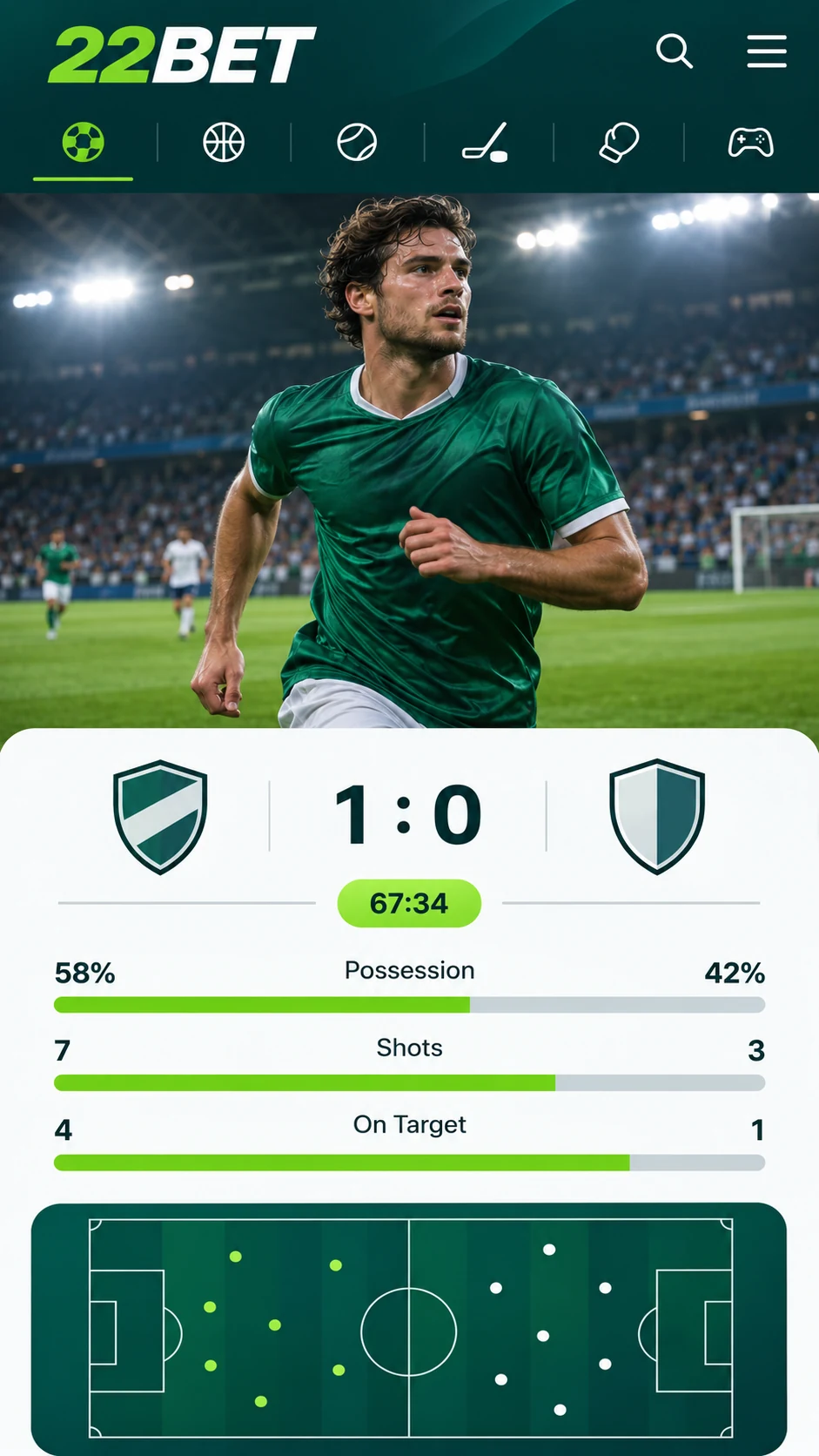
While most bookmakers stick to a website, 22Bet has gone further and released a proper mobile app. It supports both Android and iOS, so it fits almost any smartphone you might own. From following a tense cricket chase to backing your team between errands or on a tuk-tuk ride across town, your bets travel with you.
Installing 22Bet on iPhone and iPad
A mobile browser is always an option for reaching 22Bet, in exactly the same way as on a desktop. However, for added speed and convenience, the bookmaker also provides its own app for iPhone and iPad.
This suits anyone who mostly bets from a phone or does not have regular access to a computer. The menus are tidy and logical, and a wager can be confirmed with only a few taps.
Installing 22Bet on Android
You will notice almost no difference between the Android and iOS versions. Menu layout, navigation and betting functions are the same on each, so a change of phone causes no inconvenience. If the app runs faster on one handset than another, the phone's specifications are responsible, not the app.
Google Play does not list the Android app. You get it as an APK file from the official 22Bet website and install it manually, as described in the following section.
Downloading the 22Bet App: What to Do
Visit the 22Bet website and scroll to the very bottom of the main page. Under the heading "Useful Links" you will find a link named "Mobile Version". Open it, then scroll down the new page to locate the Android and iOS download links.
Android Instructions
- Tap the link for Android and save the APK file to your device.
- Once the download has finished, a notification will usually ask whether installation from this source is permitted. Grant permission.
- If you are not asked, open your phone's settings and allow apps to be installed from unknown sources.
- Tap the APK file and complete the installation process.
iOS Instructions
The iPhone process is just as manageable, though it begins with a quick change to your account. 22Bet only appears in the App Store once the country or region connected to your Apple ID has been altered. The 22Bet website contains a full explanation, but the main steps are:
- Open Settings and tap your name to access your Apple ID.
- Choose "Media & Purchases", then "View Account".
- Select "Country/Region" and set it to the region shown in the 22Bet guide.
- Search the App Store for 22Bet and install it in the usual manner.
The 22Bet Mobile Site
Would you rather not download anything? The mobile edition of the 22Bet website offers the same access directly in your browser. Just enter 22Bet.com or find the site through Google, and the display will scale automatically to suit your screen.
Visually, the mobile site is quite distinct from the app, but it is equally user-friendly. It is the standard desktop site, adapted for compact screens. Regular 22Bet users will settle in at once, and newcomers will find it easy to learn within a few minutes.
Supported Phones and Tablets
Any iPhone and any Android device can run the 22Bet app. The mobile website requires a minimum of iOS 8 or Android 7.
A downloadable app is not yet available for BlackBerry or Windows Phone. Those devices can, however, still open 22Bet through a mobile browser.
22Bet Casino on Mobile
The casino performs reliably in both the app and the mobile website. Every game in the 22Bet catalogue is available on all supported devices. In the app, simply open the casino section; on the mobile site, use the drop-down menu to reach it.
Reasons to Use the 22Bet App
Placing bets and playing casino games at any hour and from any location is the standout benefit, and the app has more to offer besides:
- Clear navigation combined with a simple, appealing design.
- Speedy bet placement, including live markets.
- An interface purpose-built for mobile screens.
- A secure, uncomplicated download from the official 22Bet website.
Last updated:
18+ | T&Cs apply | Play responsibly
Go to 22Bet